

Find out the best Chrome extensions for students to study smarter, write better, stay focused, and manage college life more easily.
Below are the 12 best Chrome extensions for students, especially for first- and second-year college students and incoming freshmen. These tools are free, student-friendly, and practical for daily academic use.
Table of Contents
List of Chrome Extensions Every Student Should Use
The right Chrome extensions can make a big difference. They can help you write cleaner papers, find reliable sources, manage deadlines, and reduce distractions. You do not need paid software or advanced skills. You only need the right extensions installed.
1. Grammarly
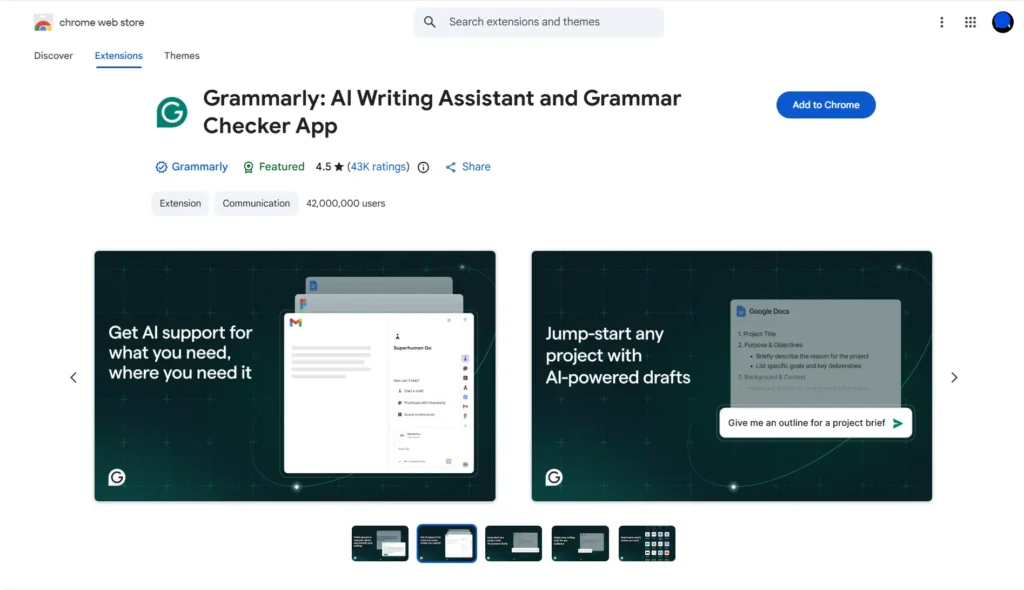
⭐ 4.5/5 | 👥 42,000,000 users
What it does:
Grammarly checks grammar, spelling, and sentence clarity while you type online.
Why students need it:
College writing requires clear and professional language. Grammarly helps students avoid basic mistakes in essays, emails, and online submissions.
Best use case:
Writing papers, reports, and emails.
2. Google Scholar Button
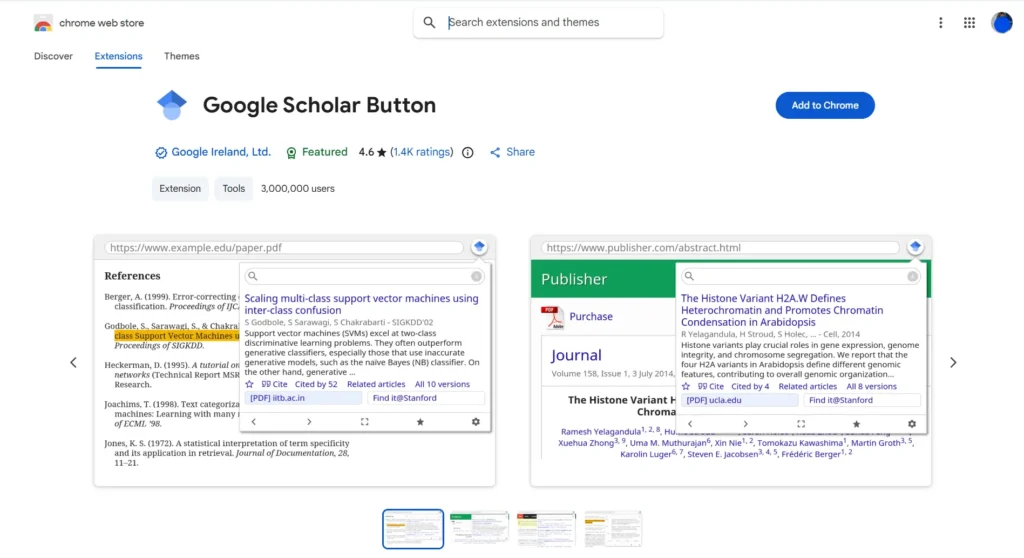
⭐ 4.6 / 5 | 👥 3,000,000 users
What it does:
This extension allows you to search academic articles directly from your browser.
Why students need it:
It helps students find credible journals and research papers without opening multiple tabs.
Best use case:
Research and academic writing.
3. Evernote Web Clipper
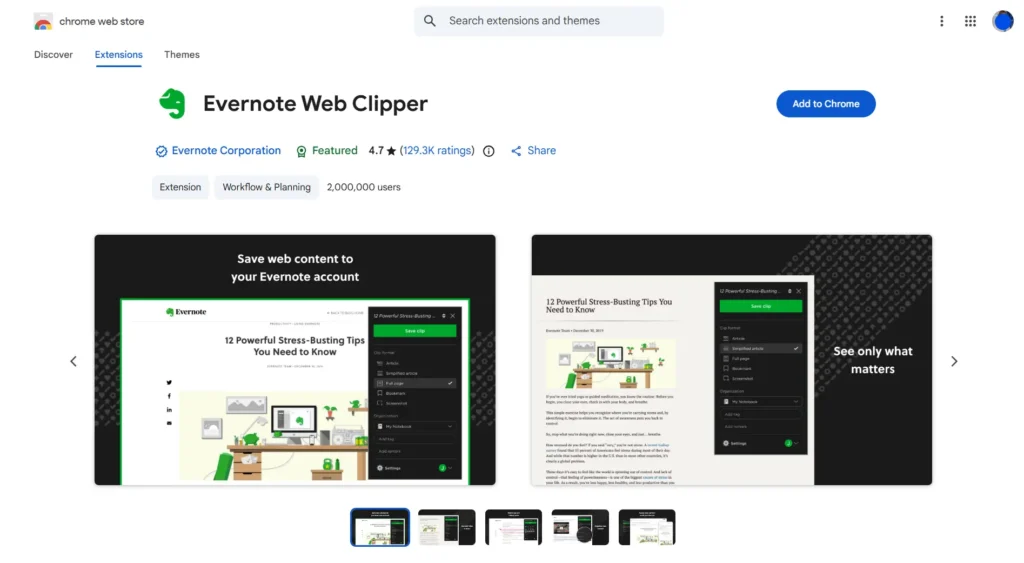
⭐ 4.7 / 5 | 👥 2,000,000+ users
What it does:
Evernote Web Clipper saves articles, web pages, and notes for later use.
Why students need it:
Students often forget useful readings. This tool helps organize research and study materials in one place.
Best use case:
Study organization and research saving.
4. Kami Extension
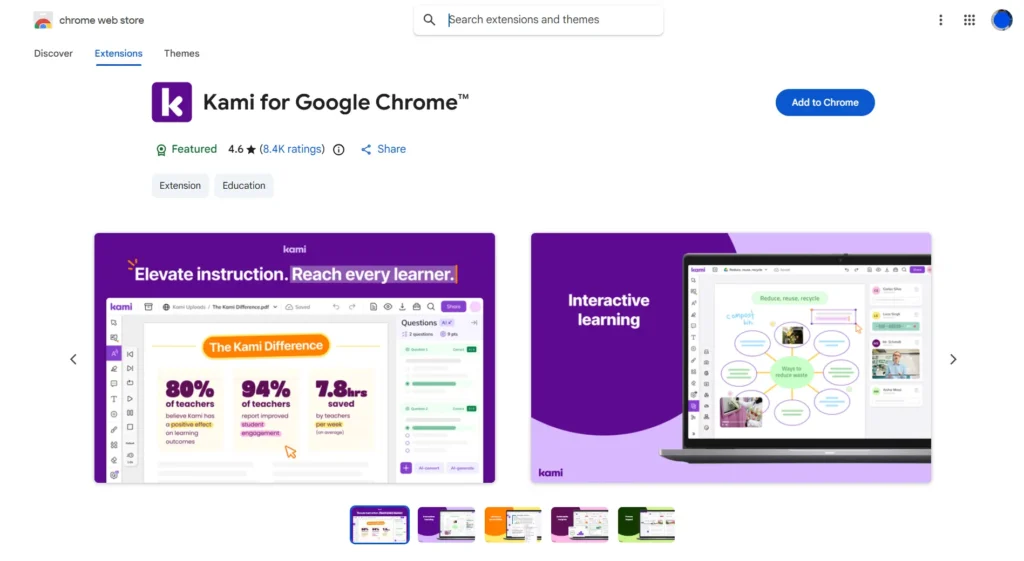
⭐ 4.6 / 5 | 👥 User count not publicly displayed
What it does:
Kami allows you to highlight, annotate, and comment on PDFs and online documents.
Why students need it:
Many classes use digital worksheets and readings. Kami lets students take notes directly on files.
Best use case:
Reading assignments and online worksheets.
5. Pomodoro Timer – Focus To-Do
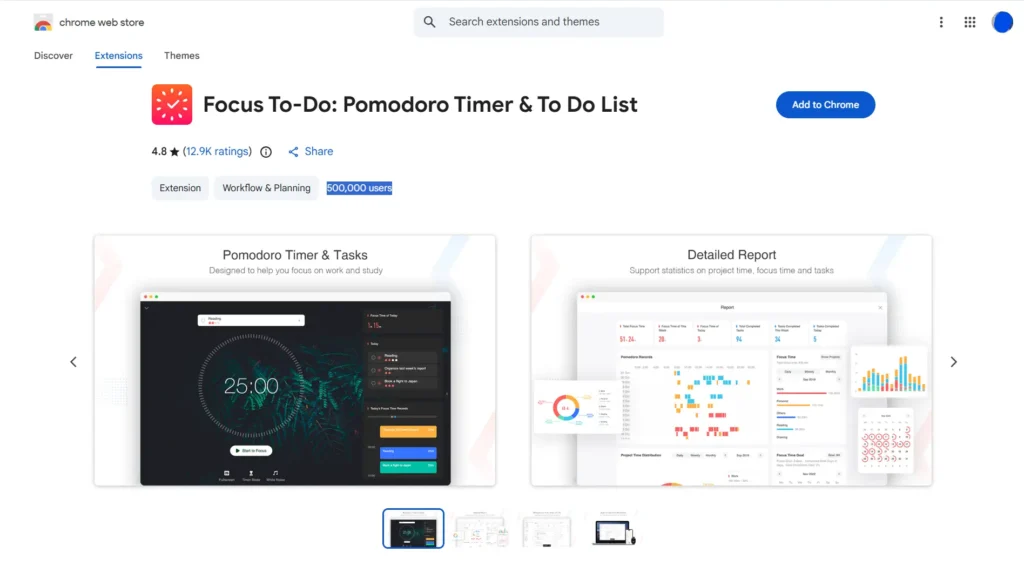
⭐ 4.8 / 5 | 👥 500,000 users
What it does:
This extension uses the Pomodoro technique to break study time into focused sessions.
Why students need it:
It helps students avoid burnout and stay productive without studying for long hours nonstop.
Best use case:
Focus and time-managed study sessions.
6. StayFocusd
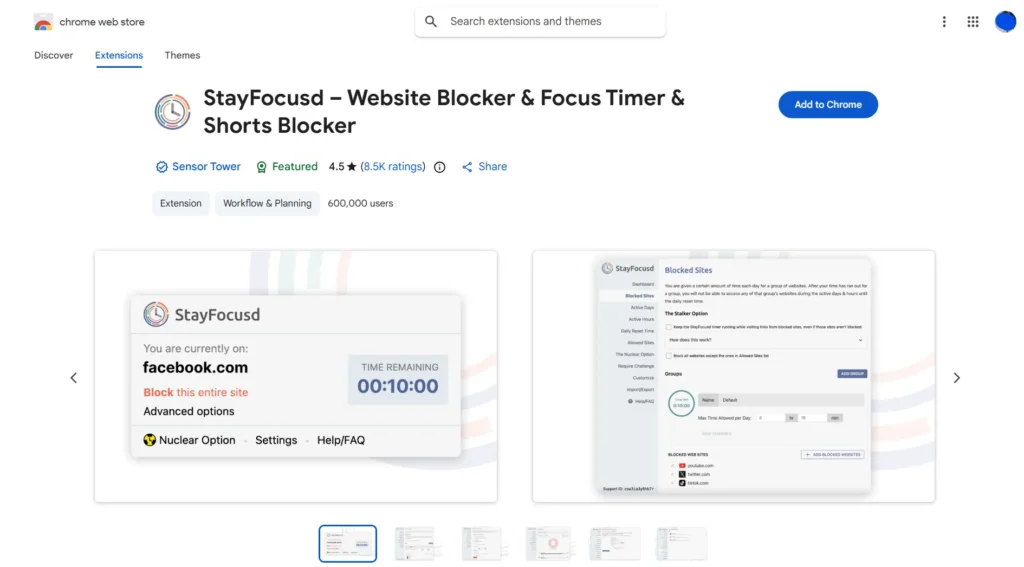
⭐ 4.5 / 5 | 👥 600,000 users
What it does:
StayFocusd limits the time you can spend on distracting websites.
Why students need it:
It prevents students from wasting hours on social media during study time.
Best use case:
Reducing distractions while studying.
Stay Updated! Join our community
7. Momentum
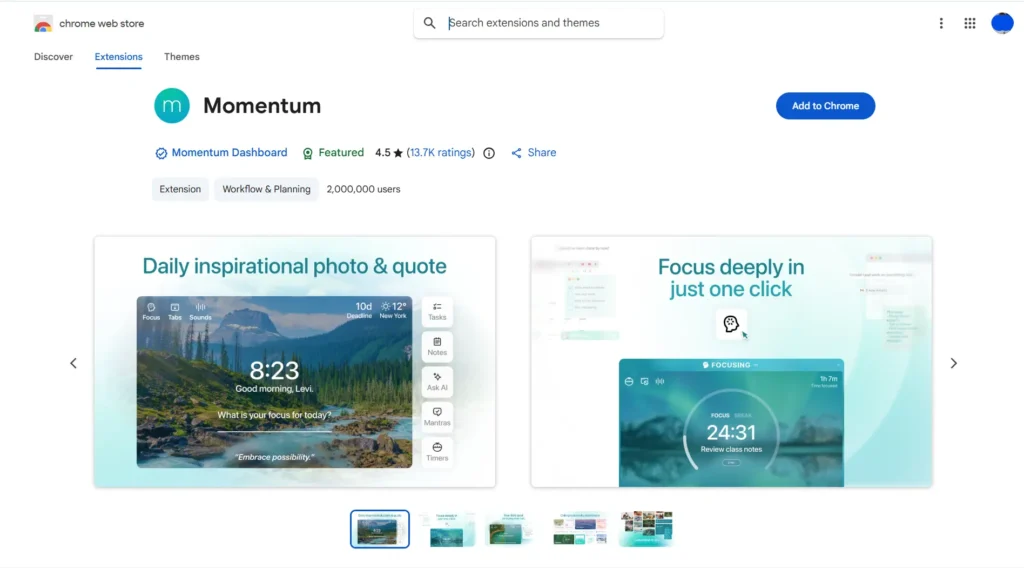
⭐ 4.5 / 5 | 👥 2,000,000 users
What it does:
Momentum replaces your new tab page with a clean dashboard that shows your daily focus and tasks.
Why students need it:
Every new tab becomes a reminder of your goals instead of a distraction.
Best use case:
Daily motivation and focus.
8. MyBib: Free Citation Generator
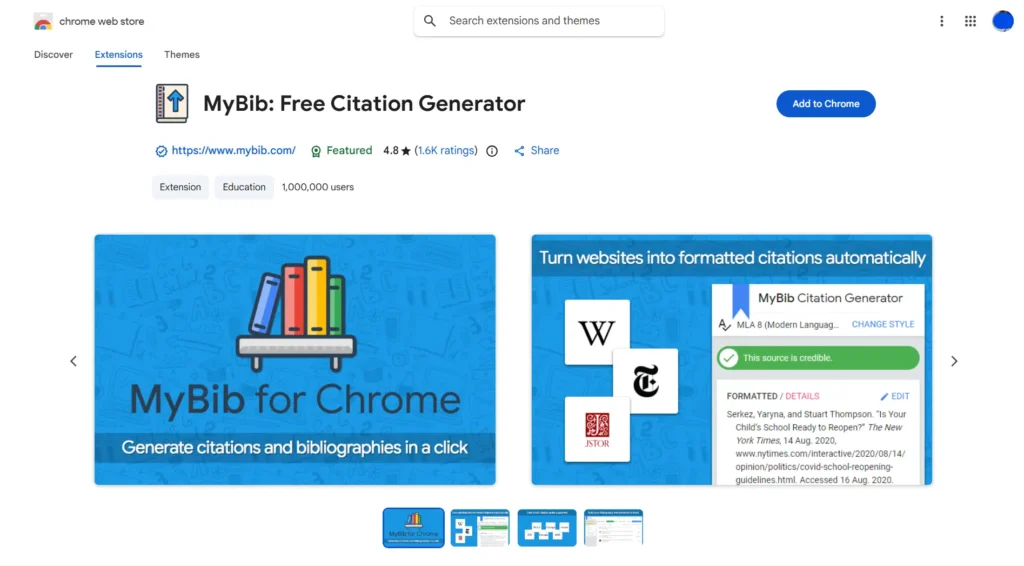
⭐ 4.8 / 5 | 👥 1,000,000 users
What it does:
MyBib creates citations in APA, MLA, and Chicago formats.
Why students need it:
Wrong citations can lower grades. MyBib helps students format references correctly.
Best use case:
Research papers and written assignments.
9. Dark Reader
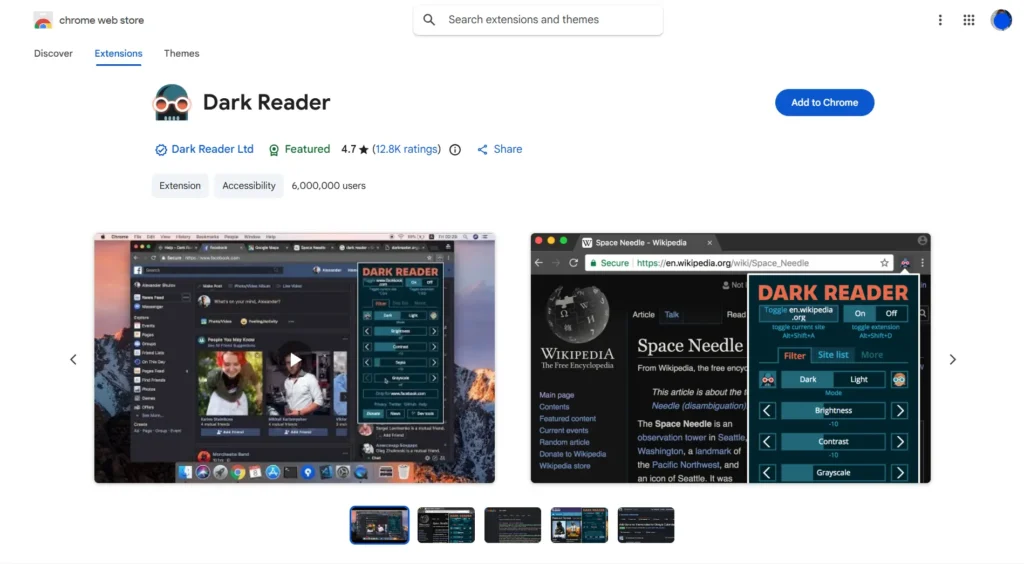
⭐ 4.7 / 5 | 👥 6,000,000 users
What it does:
Dark Reader turns bright websites into dark mode.
Why students need it:
It reduces eye strain during long reading sessions, especially at night.
Best use case:
Reading articles and online textbooks.
10. Todoist
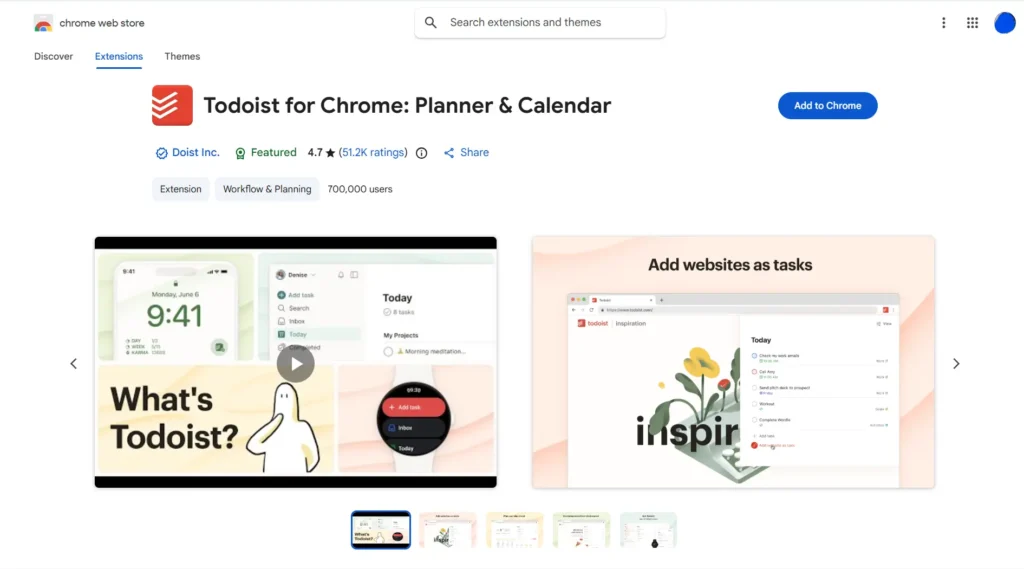
⭐ 4.7 / 5 | 👥 700,000 users
What it does:
Todoist helps students organize tasks, deadlines, and reminders.
Why students need it:
College life involves many deadlines. Todoist keeps everything in one clear list.
Best use case:
Task and deadline management.
11. Loom
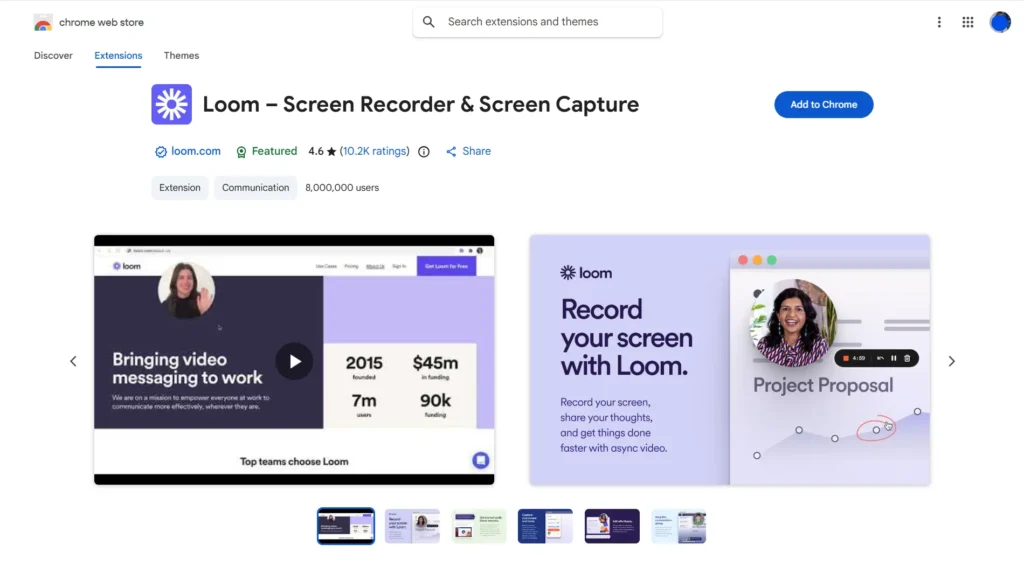
⭐ 4.6 / 5 | 👥 8,000,000 users
What it does:
Loom lets users record their screen and voice to create short videos.
Why students need it:
It is useful for group projects, presentations, and explaining ideas to classmates.
Best use case:
Online classes and group work.
12. Allow Copy +
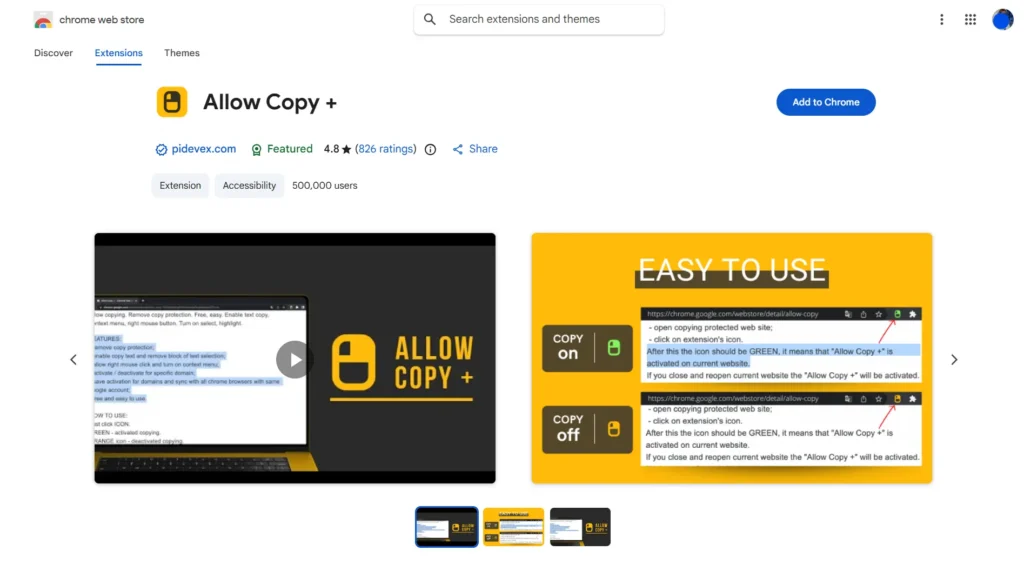
⭐ 4.8 / 5 | 👥 500,000 users
What it does:
Allow Copy + enables text selection on websites that block copying.
Why students need it:
Some educational sites restrict copying even for study purposes. This tool helps with note-taking.
Best use case:
Research and note-taking.
Why These Chrome Extensions Matter for Students
These tools help students:
- Write better papers
- Find reliable academic sources
- Manage assignments and deadlines
- Stay focused during study time
- Reduce stress from digital overload
You do not need to install all of them. Choose tools that match your current needs and study habits.
📌 Scholarship Programs
You’re looking for scholarships? We’ve got you covered with options from government, corporations, and more. Check out Scholarship Programs
Final Thoughts
Being a successful student is not just about studying harder. It is about using the right tools. These Chrome extensions are trusted by millions of users and are designed to support real academic needs.
You do not need paid software or complex systems. A few smart tools can already make your student life easier.
Try at least 3 extensions today and see the difference.
References
- chrome.google.com. (n.d.). Chrome Web Store. [online] Available at: https://chromewebstore.google.com/.

Leave a Reply